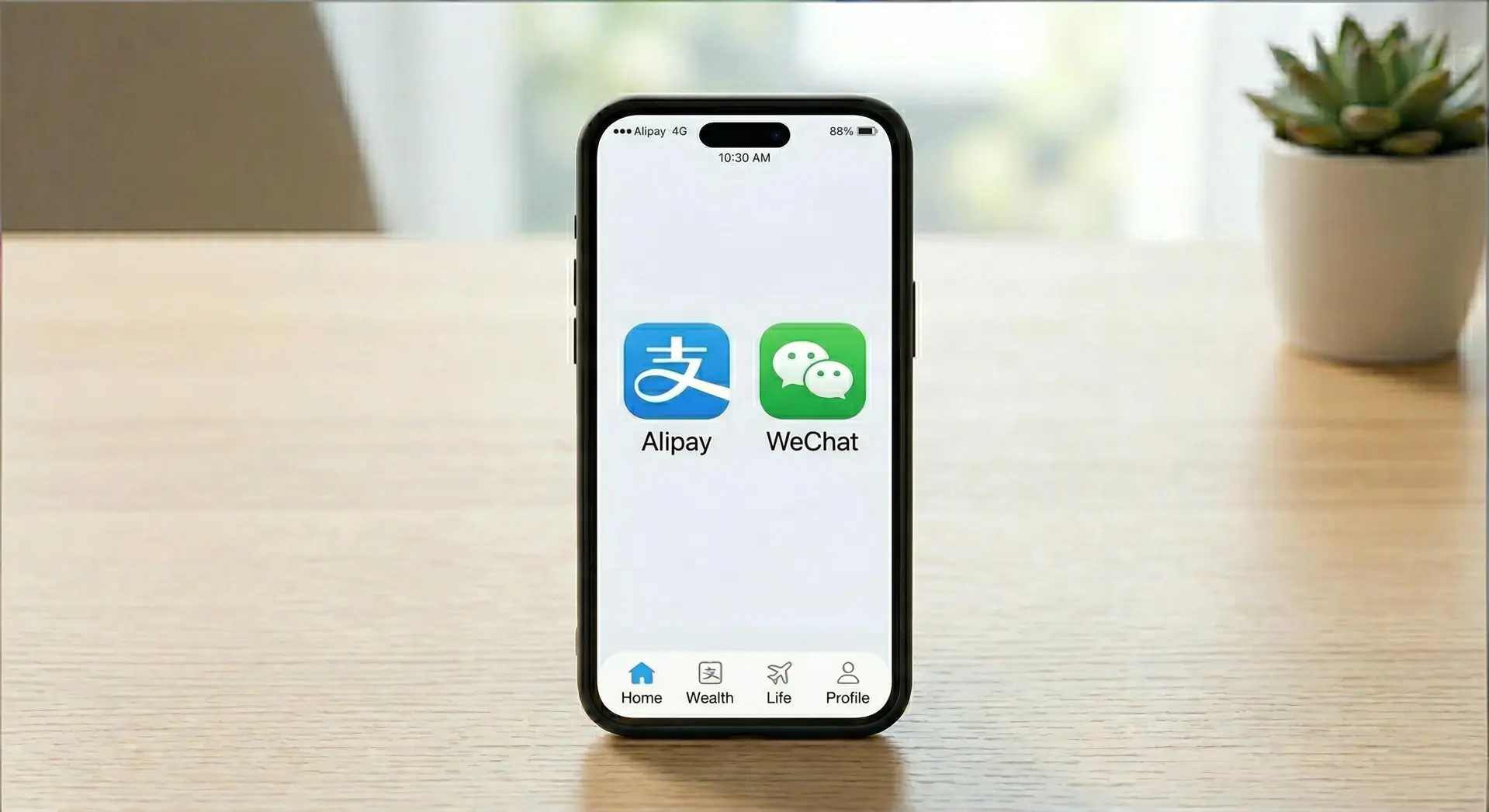
Payment stack
How payment works
Rhythm
China's everyday payment rhythm is a QR code.
Where QR payment shows up
Action
You either scan a merchant code or show your payment code.
Traveler setup
For independent travelers, the resilient setup is mobile pay as the daily default plus a small RMB cash cushion.
Reality check
Not every QR works
Small stalls and owner-run shops often use personal WeChat or Alipay codes that can fail with foreign-card wallets.
Failure points
Weak signal and international-card risk controls can block a payment.
Cash role
Treat cash as backup for network, risk-control, personal-QR, or foreign-card acceptance failures.
Use those guides for how much cash to carry, ATM behavior, hotel POS terminals, luxury retail, and foreign-card acceptance.
Mobile Payments in China: The Short Answer
Can tourists use it?
Usually yes.
Short-stay visitors can now use Alipay (支付宝) and WeChat Pay (微信支付) by linking cards issued outside mainland China and, when the app asks, completing identity or risk-review steps with a passport.
Some low-value mobile payments may not require ID information under current policy, but menu names and verification prompts shift by app build, so the live app screen is always the final authority.
Best setup
Set up both apps if you can.
After landing
Test one small payment before your first rushed taxi, train station, or meal.
Daily use
Most urban daily spend works through QR payment.
Backup rail
A few edge cases still push you back to cash, a physical card, or a second app.
2 apps
Best setup
1 test
After landing
¥200
Fee threshold to watch
Cash
Backup rail
Default behavior
Use mobile pay for cafés, taxis, chain shops, QR menus, and city metro or bus QR codes where that city's transit mini program supports your wallet.
Second rail
Keep the other app, a physical international card, or RMB cash ready.
Risk check
Do not assume every QR code accepts every foreign-issued card. Merchant category, app risk checks, and your bank can still block a payment.
Alipay and WeChat Wallet Roles
This overview is about getting China's mobile-payment rails working. The full scenario-by-scenario decision belongs in Alipay vs WeChat Pay in China; here, you only need the role split before setup.
Setup goal
Prepare both if possible, then test at least one small payment after arrival.
Alipay role
Often the cleaner payment-first wallet for visitors, with transit and travel services nearby.
WeChat Pay role
The payment layer inside WeChat (微信), useful for restaurant QR menus, mini programs, chat-based vendors, and small stalls.
As of May 2026, Tencent has also announced a phased PayPal bridge into WeChat Pay merchant QR payments, starting with U.S.-based PayPal users. Treat that as an account-specific extra, not a replacement for setting up the core wallets, cards, and cash backup.

Alipay and WeChat Pay are not duplicates once you are on the ground. Alipay often feels like the cleaner payment wallet; WeChat Pay follows restaurant QR menus, small vendors, local contacts, and mini programs.
For this overview, the practical goal is simple: finish identity and card setup, know how QR checkout works, watch fee and limit prompts, and keep fallback rails ready. Decide which icon to tap first only when the live situation demands it.
Set Up Before You Fly
Do the boring setup work before departure, while your bank app, home SIM, password manager, and passport are all easy to access. Airport Wi-Fi plus jet lag is a terrible time to discover that your card needs a travel notice or your phone number cannot receive verification texts abroad.
🛂Identity and card checks
A valid passport may be needed for card binding, real-name checks, higher limits, or risk review. Follow the exact app prompt.
Use a credit or debit card with overseas and online use enabled. Visa, Mastercard, JCB, UnionPay, American Express, Discover, and Diners Club support depends on the app and card issuer at binding time.
📲Codes and first-day backup
Use a phone number that reliably receives SMS codes at home and abroad.
Plan a small RMB cash cushion for the first day, in case the first test payment fails.
Step-by-step download, registration, and screenshot-style tutorials live in our Alipay for foreigners and WeChat for foreigners guides. Pair them with the essential China travel apps toolkit and SIM, eSIM, and pocket Wi-Fi guide if you are building the full phone stack before departure. This article stays at the decision level: which rails to prepare, what fees to watch, and what to do when a payment does not go through.
Fees, Limits & Exchange Rates
Live payment screens win
Policies and promotions change. Always trust the confirmation screen, in-app help, and your bank over any blog—including ours.
💸 ¥200 / 3% fee watch
Watch for app-side service-fee prompts. WeChat Pay's 2025 public summary exempts single international-card transactions under CNY 200 from its 3% fee; Alipay checkout may show similar or different wording, so the live screen decides.
🎫 Legacy prepaid products
Older guides may mention Tour Pass, TourCard, or prepaid visitor wallets. Availability, fees, and expiry rules have changed over time, so use them only if the live app currently offers the product and explains the cost.
🏦 Issuer fees
Your bank may add foreign-transaction or currency-conversion charges, often around 1–3%. Confirm before you fly.
📌 Read the app wording
WeChat Pay: Beijing's English municipal portal summarizes a 2025 fee update.
Single transactions under CNY 200 are exempt from the 3% fee for linked international cards.
Some first-time linkers may see a time-limited waiver campaign. See the official summary: WeChat Pay international-card fee note.
Alipay: overseas-card users may see similar fee messaging, but Alipay's live checkout screen and in-app help are the authority; promotions and legacy prepaid products carry separate rules.
📈 Visitor limits
USD 5,000
single transaction limit, raised from USD 1,000
USD 50,000
annual cumulative cap, raised from USD 10,000
Beijing's English portal reports the same Alipay convenience-limit increase for foreign nationals. Individual apps, card types, wallet regions, and verification tiers may still show lower live limits.
🧾 Large payments and FX
Large purchases: if a payment fails, do not keep hammering the same code. Split the bill only if the merchant agrees.
Try the other app, switch cards, use a hotel or mall card terminal when available, or fall back to RMB cash.
Exchange rates: the app may show an estimated FX amount, but your card statement is final after the card network and issuer post the charge.
← swipe to compare all options →
Direct card link
Pay as you go
- ✓No prepaid top-up loop
- ✓Uses your bank’s posting rules
- —Some merchants still decline foreign rails
Watch for ¥200 / 3% messaging
Best for everyday spend
Legacy/prepaid visitor products
Use only if live app offers them
- —Do not rely on old Tour Pass or TourCard guides
- ✗Top-up fees can eat into budget
- —Not interchangeable with peer-to-peer transfers
Availability changes
Separate fees and expiry rules
Checkout Flows in China
Names differ slightly by app, but the logic is universal: either you scan the merchant or the merchant scans you.
You scan the merchant
Typical for taxis, wall stickers, market stalls, small restaurants, and solo vendors. Open Scan, read their QR, enter the amount if prompted, confirm, and show the success screen to the seller if needed.
They scan you
Typical for supermarkets, chain restaurants, convenience stores, and malls with a handheld scanner. Open Pay / Show code, let them scan your barcode, and approve if the app prompts. Small payments may go through quickly; larger, new, or risk-flagged payments can ask for password, face, or fingerprint confirmation.
Merchant payment is safer than transfer
Use merchant checkout flows where possible. Personal transfer, Collect / Receive, red-packet, or deposit QR requests are different from a normal merchant payment; foreign-card wallets may fail and the context is weaker. Static store-owner QR codes at small shops can still be normal, but avoid suspicious deposits or requests to send money to a personal account.
Keep shortcuts visible
Pin both shortcuts to your home screen or a folder. Chinese checkout lines move fast, and hunting menus under pressure is miserable.

Table QR menus
Scan first: table QR stickers are everywhere in chain restaurants.
Pay inside the flow: order on your phone, then pay when prompted.
If the menu is Chinese: use in-app translation tools or screenshot it into your translation app before paying.
Before a large order: confirm the mini-program accepts your payment method. Some menus require a phone number, Chinese UI steps, or a wallet rail your foreign card cannot use.
When Payments Fail
🔐Protect the wallet first
Never share: SMS codes, payment passwords, or screenshots of your payment code with strangers.
Set controls early: both platforms offer passwords, risk controls, and device management. Use them before you start spending.
📵If your phone is lost
First move: borrow a trusted device, freeze wallets, and call your card issuer.
Network rule: avoid binding cards or entering PINs on public Wi-Fi. Use cellular data or a network you control.
When a payment fails, work down the stack instead of panicking:
- Check signal, turn off VPN if it is interfering, and retry once. If the app, QR menu, or bank verification page will not load, separate payment from connectivity and use the internet troubleshooting guide.
- Try a second linked card, then the other app.
- If the same error repeats, stop retrying and use cash or a physical card where accepted.
- Fix the app later on stable internet, ideally before the next taxi, train station, or meal rush.
Mobile Payment FAQ
No. Many foreign numbers receive SMS codes fine. If your home carrier blocks overseas SMS, verification breaks—test before departure or plan a data SIM/eSIM early in the trip.
Sources checked for this guide
- State Council / Xinhua payment service guide for overseas visitors: mobile payment, international-card linkage, cash, ATM, and visitor transaction-limit guidance
- People’s Bank of China payment services guide: official multilingual payment-service guide PDFs for overseas visitors
- Beijing English portal guide to foreigner WeChat Pay use: international-card consumption support, transfer and red-packet limitations, and static store-QR nuance
- Beijing English portal summary of WeChat Pay international-card fee update: CNY 200 fee-exemption threshold and first-time linker campaign summary
- Beijing English portal summary of Alipay foreign-national service updates: Alipay international-card linkage, multilingual service, and USD 5,000 / USD 50,000 convenience-limit reporting
- WeChat Help Center international-card setup article: live Weixin Pay card setup, limits, fees, and unsupported feature notes
- Associated Press report on Tencent PayPal-WeChat Pay rollout: May 2026 phased PayPal QR announcement, starting with U.S.-based PayPal users
Beyond This Guide
Payment behavior shifts by city block, app version, card issuer, and travel pace. Use these next if you are building the full money-and-app stack for a China trip:
- How to Use Alipay in China as a Foreigner - button-by-button setup and payment flow.
- WeChat in China for Foreigners - WeChat Pay, chat, mini programs, and screenshots.
- Alipay vs WeChat Pay in China - decide which app to prioritize first.
- RMB, exchange, and ATMs - build the cash backup that keeps payment failures small.
- Credit & debit cards in China - understand where physical foreign cards still work.
- China internet troubleshooting - separate payment failures from connectivity, VPN, Wi-Fi, and app-loading problems.
- China train tickets: 12306 & Trip.com - prepare for real-name ticketing and payment friction before station day.
If you want a calm, pre-trip plan for apps, cash buffers, and what to test before departure, we can recommend a setup that matches your route without booking tickets or moving money for you.
- Trip.com app for China travel - use an English-facing fallback for flights, hotels, tickets, and some live-listing checks.
© gochinafreely.com — Original guide by Go China Freely.